
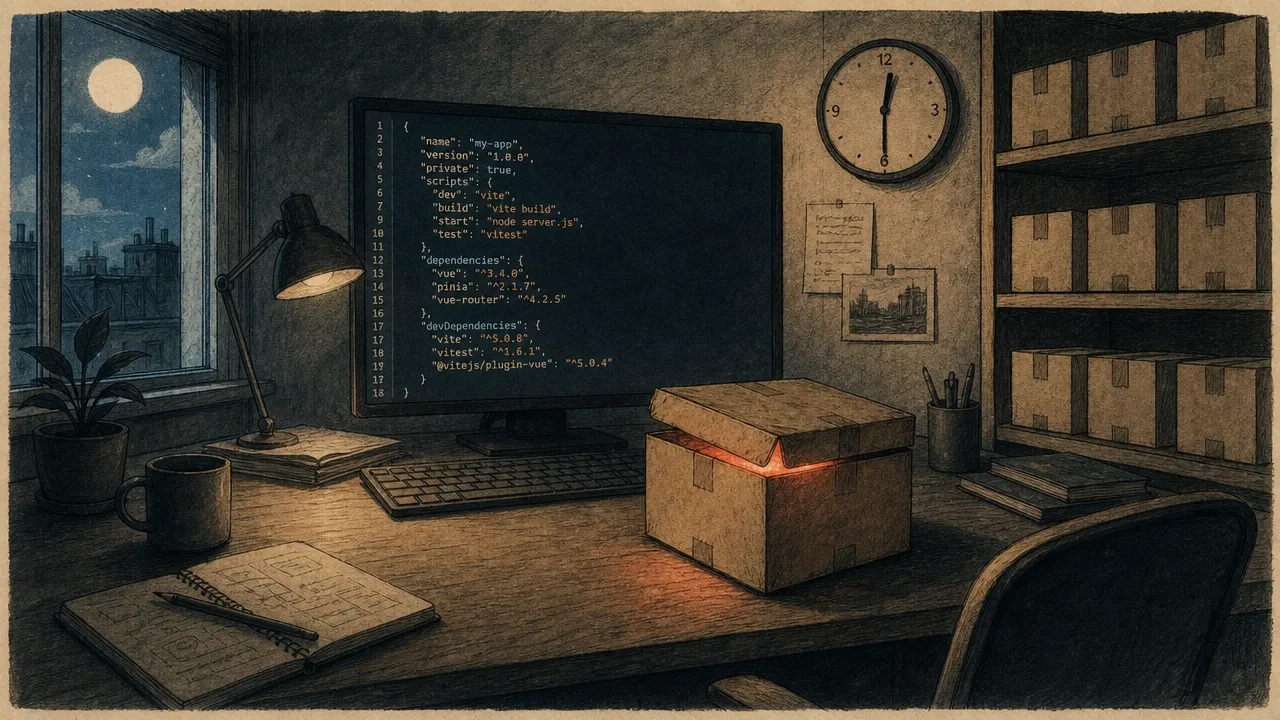
The other day, talking with another developer about a recent supply chain attack, he answered: “I wasn’t affected, I wasn’t working at 12:30 a.m. when it happened.” That’s the moment I realised I had to explain why, in reality, you’re far more likely to be affected than you think.
The topic is relatively new. Until recently, when people talked about application security, they meant their own code: SQL injection, XSS, misconfigurations, exposed secrets. It’s what gets taught in training, what shows up in the OWASP Top 10, what static analysis tools look for first.
But a growing share of incidents doesn’t come from the code we write. It comes from the code we import, without reading it, without understanding it, sometimes without even knowing we depend on it. That’s what a supply chain attack is, and it’s become one of the hardest attack vectors to anticipate. And the worst part? Your usual tools probably don’t see a thing.
This first article opens a series on the subject. The idea is simple: set the scene, look at a few real cases that shook the ecosystem, and dismantle a few reflexes that seem obvious but tend to backfire.
What it actually looks like
A supply chain attack is when a dependency you use (directly or transitively) becomes malicious. Either because its maintainer has been compromised, or because an attacker has slipped into the publishing pipeline, or, more rarely, because the person maintaining the project is themselves malicious.
The catch is that this dependency doesn’t need to be visible in your composer.json or package.json. It can sit three levels deep in the tree. You’ve never heard of it, never audited it, but it runs inside your process, with your permissions, right next to your secrets.
The last two years have been particularly busy. A few cases worth knowing, because they illustrate how varied the scenarios can be:
- Axios (March 2026): the npm account of the lead maintainer of the most-used HTTP library in the JavaScript ecosystem was compromised (70 million weekly downloads). The attacker changed the account email, bypassed the OIDC publishing workflow using a long-lived legacy token, and pushed versions
1.14.1and0.30.4in the middle of the UTC night (hence the famous “I wasn’t affected”). The payload installed a multi-platform RAT on macOS, Windows, and Linux. Microsoft and Google attributed the attack to a North Korean state actor. - Shai-Hulud (September 2025): the first self-replicating worm ever seen on npm. The entry point was
@ctrl/tinycolor. The installed payload scanned the environment for the victim’s npm tokens, then automatically republished itself into every package they maintained. Over 500 packages contaminated within days, including some from CrowdStrike. The first time we’ve seen viral propagation applied to a package registry. - Nx Console (May 2026): the Nx Console VS Code extension (
nrwl.angular-console, over 2.2 million installs) was compromised. A malicious18.95.0release stayed live for just 11 minutes on the marketplace before being pulled. Plenty: the second a developer opened their IDE, the payload harvested their GitHub, npm, AWS, HashiCorp Vault, Kubernetes, and 1Password tokens, and installed a persistent Python backdoor on macOS using the GitHub Search API as a dead-drop. Roughly 3,800 private repos exfiltrated from victims’ GitHub accounts. Attributed to a group called TeamPCP. Notably, this was the second attack on the Nx ecosystem in under nine months. - Nx, aka “s1ngularity” (August 2025): a misconfigured GitHub Actions workflow (a
pull_request_targetrunning on a stale branch that was still vulnerable) let an attacker extract the project’s npm publishing token. During the four hours the malicious packages were live, the post-install scanned developer machines for GitHub tokens, cloud credentials, SSH keys, and crypto wallets. Particularly creative: it also invoked the locally installed Claude and Gemini CLIs to have them hunt for more secrets. Result: 2,349 stolen credentials, and 5,500 private repos flipped public by the attackers on the victims’ accounts. We’ll come back to this one in the CI section. - XZ Utils (2024): a patient attacker worked their way into the project over more than two years, gradually earning the maintainer’s trust, before injecting a backdoor into a compression library used by virtually every Linux distribution. Discovered by accident, by a Microsoft engineer wondering about 500 milliseconds of unexplained latency on his SSH logins.
- polyfill.io (2024): a trusted domain used by hundreds of thousands of sites, quietly bought up. The scripts served from that domain started injecting targeted malicious code.
- event-stream (2018): the historical case. A burnt-out maintainer handed off his npm package to a helpful stranger. A few weeks later, a dependency added by that new maintainer was specifically targeting a Bitcoin wallet app to exfiltrate private keys.
What makes these attacks particularly nasty is that no classic application security tool detects them as they happen. The malicious code is signed, published on the official registry, installed via the usual command. Everything looks normal. There’s nothing to see in the logs, because the bad thing is running exactly where it’s supposed to. And the pace is picking up: we’ve gone from one major incident every two years to roughly one per quarter, sometimes more.
The update trap
The first reflex, when you hear “vulnerability in a dependency”, is to update everything. It’s logical: if 1.2.3 is vulnerable, 1.2.4 fixes it, so you update.
Except in a supply chain attack, it’s precisely the new version that’s compromised, and updating is exactly what exposes you. For Axios, users who had left a caret (^1.14.0 or ^0.30.0) and ran an npm install at the wrong moment pulled in the RAT without doing anything else. Those with a pinned version were untouched.
The takeaway isn’t “never update”. That would be worse, because you’d accumulate known CVEs. It’s more nuanced: separate updates from installs.
// package.json: floating versions, source of trouble
"dependencies": {
  "express": "^4.18.0"
}
As-is, every npm install can resolve to a different minor version. On a new developer’s machine, in CI, in production, you’re not running exactly the same binaries.
// package-lock.json: the real source of truth
"node_modules/express": {
  "version": "4.18.2",
  "resolved": "https://registry.npmjs.org/...",
  "integrity": "sha512-..."
}
The lock file is the exact snapshot of what got installed, with integrity hashes. As long as you respect it (npm ci rather than npm install, composer install rather than composer update), you install the exact same dependency tree everywhere, bit for bit.
Updating then becomes a deliberate, auditable act: a dedicated PR, a readable lock file diff, a changelog to skim. Not a side-effect of some install command.
It’s more of a mindset shift than a tooling change. But it’s the first real line of defence.
Back to our developer from earlier: if that first reflex were enough, he’d be right. He’d be well protected, and he could sleep easy. But unfortunately, it goes further.
CI pitfalls
Once you’ve understood that updates need auditing, you usually delegate it to a tool: Renovate, Dependabot, Snyk. They open clean PRs, with the changelog, sometimes test results. Good. But it’s also a new attack surface, and it’s often misconfigured.
First pitfall: CI that runs without verifying the committer. In open source, it’s common. Someone opens a pull request, and the GitHub Actions workflow runs automatically to check the tests pass. If that workflow uses a secret (a deployment token, an API key, a registry password) and the attacker can modify the code being executed, the secret leaks. This is exactly the misused pull_request_target scenario: the workflow runs with the origin repo’s permissions, but executes the PR’s code.
This is precisely what happened to Nx in August 2025. A PR opened by anyone, targeting a stale branch that still contained a vulnerable workflow, was enough to extract the project’s NPM_TOKEN. Over the four hours that followed, malicious versions were published and installed on thousands of machines. The vulnerability had been spotted and fixed on the main branch almost immediately, but it lingered on a forgotten branch. The attacker just had to target that branch explicitly.
The base rule: secrets should never be available in a workflow triggered by an external PR. GitHub Actions offers a pull_request mode that properly isolates permissions. pull_request_target should be reserved for very specific cases, and the code being executed should be from the default branch, not from the PR. And while we’re at it, don’t forget your old branches: a workflow fixed on main but still vulnerable on a release branch is an open door.
Second pitfall: dependency update tools configured with auto-merge. The argument sounds reasonable: “if tests pass, we merge”. But that boils down to: “if a dependency publishes a version that passes our tests, we install it in production with no human in the loop”. For a critical security patch, maybe. For 100% of dependency updates, definitely not.
Renovate and Dependabot offer fine-grained configuration: auto-merge for internal dev-dependency patches only, grouping by ecosystem, a quarantine delay after publication (very useful: most compromises are detected within 48 hours). A handful of config lines is enough to turn a risk into a safety net.
// renovate.json: excerpt with a quarantine delay
{
  "minimumReleaseAge": "3 days",
  "packageRules": [
    {
      "matchUpdateTypes": ["patch"],
      "matchDepTypes": ["devDependencies"],
      "automerge": true
    }
  ]
}
Three days might not sound like much, but it’s often enough for the community to catch a compromised version before it lands in your install.
Now picture combining the two. An internal company project runs with loose workflow permissions because “it’s internal, we trust each other”. In the background, Renovate automatically opens update PRs at midnight UTC and fires off every internal CI pipeline in the wake. And it’s probably no coincidence that Axios and Nx both pushed their compromised versions in the middle of the night: that’s exactly the window where automation runs unsupervised, and where malicious code has a few hours’ head start before anyone notices.
This is the moment our developer from earlier changes his mind, and starts wondering whether he should go take a look at last night’s logs.
And it’s not just your projects
We tend to see the supply chain as a purely application-level concern. Your apps have package.json, composer.json, requirements.txt, and that’s where you focus your attention.
True, but it’s far from enough. Everything you install on your developer machine or on your servers is part of the same chain, often with even broader permissions.
VS Code extensions are a great example. An installed extension has access to your entire workspace, can read your .env files, your SSH keys, your Git history. It runs as you, with no sandbox. The VS Code marketplace has already hosted several malicious extensions: clones of popular ones, bought-out maintainer accounts, promising features quietly turned against you. The Nx Console attack in May 2026 (mentioned earlier) is the exact playbook: 11 minutes live is enough to siphon credentials from thousands of developers. The reflex of “I’ll install the recommended extension” should be far more measured than it usually is.
Globally installed command-line tools (via npm install -g, pip install --user, cargo install, brew install) follow the same logic. They run with your user permissions. Many add hooks to your shell, read your config, make network calls. A compromised CLI has access to everything you’ve opened in your terminal, including those credentials you sourced for five minutes “just to test something quickly”.
Docker images deserve their own article, and they’ll get one in this series. But for now, remember that a FROM node:latest is a trust decision, not an innocuous command.
The point isn’t to become paranoid. You’ll keep installing extensions, CLIs, Docker images, and that’s fine. The point is to know where your trust zones are, and stop extending them by default.
What’s coming next
This series will dig into each of these topics with a practical angle. No generic consultancy checklist, just real cases and configurations you can put in place on your next commit.
Coming up:
- This article: the scene, the cases, the first reflexes
- Protecting yourself in the Laravel and JS world: Composer, npm, audits, cooldowns, lock files
- Protecting yourself in Docker: images, registries, scans, reproducible builds
- Protecting your own machine: extensions, global CLIs, developer hygiene
The goal isn’t 100% security, that’s not possible. It’s to raise the cost of an attack enough that the attacker moves on to someone else. And along the way, to be able to say something other than “I wasn’t affected” the next time it comes up over coffee.
